Smart Physics-Driven Drawing
Simulates real human hand movements when drawing vectors or writing text, providing an authentic whiteboard experience.
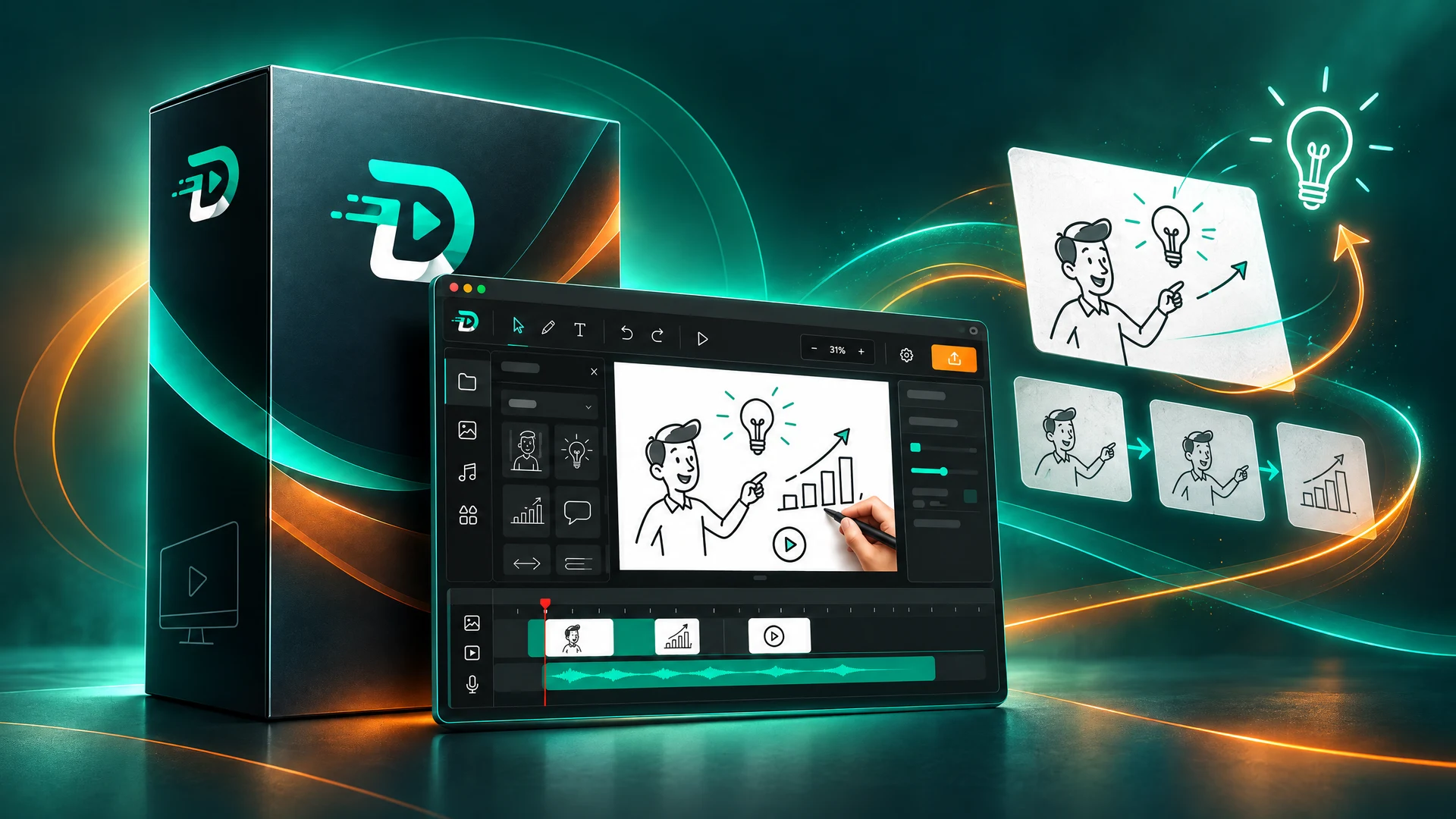
DrawMotion is a free, professional whiteboard animation and vector studio. Designed for educators, content creators, marketers, and storytellers. Create, animate, and export high-definition videos with zero subscription fees.
Version 1.7.12 is now available for supported platforms.
Soon, the developer team of DrawMotion will be rebranded to DrawMotion Team.
Simulates real human hand movements when drawing vectors or writing text, providing an authentic whiteboard experience.
Layer-based editing with dedicated tracks for scenes, images, and audio, featuring auto-sequential placement.
Automatically scales the scene and visual elements to perfectly match the duration of your voiceovers.
Render your animations to crisp 1080p MP4 with automatic audio mixing running smoothly in the background.
Organize your animation into distinct scenes with full control over typography, colors, and layout.
Robust auto-save system and lightning-fast background updates ensure your work is always safe.
A sleek dark mode interface with a contextual inspector that shows only what you need, when you need it.
Add images and audio files to the library.
Place elements on the scene and sync the timing.
Add your voice, then press Export.
Download the official release for your operating system. No account required, 100% free and open-source.
64-bit Architecture (x64)
Version 1.7.12 is now available for supported platforms.
Fixed several drawing issues and added new features.
Official Verified Store App • Auto Updates
Official seamless installation with free auto-updates.
Get it from Microsoft StoreUbuntu, Debian, Fedora, Arch, Mint
Version 1.7.12 available for all Linux distros.
Fixed several drawing issues and added new features.
Universal portable binary that runs out of the box on all Linux distributions.
DrawMotion is continuously evolving. As a free project, your feedback drives our next big feature.
DrawMotion is a desktop application designed to create realistic whiteboard explainer videos and vector drawing animations. It simulates human arm mechanics and hand movements to draw text, diagrams, and illustrations stroke-by-stroke on a digital canvas, synchronizing the drawing speed with voiceovers and background audio.
Yes, DrawMotion is 100% free and open-source software licensed under the GNU General Public License v3.0 (GPLv3). There are no trial periods, no subscription fees, no locked features, and no forced watermarks on your exported videos. Everything is free forever.
Absolutely! You own 100% full commercial rights to all creative works, animations, and videos you produce using DrawMotion. You are completely free to monetize your videos on YouTube, Facebook, TikTok, client freelance projects, and commercial advertisements with zero royalties or revenue sharing.
DrawMotion officially supports Windows 10 and Windows 11 (64-bit), available directly through the Microsoft Store as an MSIX package or via a standalone Inno Setup installer. It also provides native Linux support with standalone AppImage packages, Debian/Ubuntu (.deb) installers, and tarball binaries.
Simply click the 'Get it from Microsoft Store' button on this page, or open the Microsoft Store app on your Windows PC and search for 'DrawMotion'. Click 'Install', and Windows will handle the download, safety verification, and future background updates automatically.
Both versions share the exact same features and functionality. The Microsoft Store edition (MSIX) benefits from automated silent background delta updates, seamless installation without administrator permissions, and native Windows sandboxing. The direct installer (.exe) is ideal for offline installations and custom directory deployments.
Yes! DrawMotion features native support for right-to-left (RTL) scripts, including Arabic. The text drawing engine accurately preserves Arabic letter connectivity, diacritics, and directional stroke order so hand movements follow authentic writing directions.
No! DrawMotion is a native offline desktop studio. You can design scenes, record voiceovers, and render videos entirely without an internet connection. The internet is only used optionally to check for updates or download new community assets.
Export: DrawMotion currently renders high-definition videos in MP4 format only (H.264), optimized for standard aspect ratios like 16:9. Import: You can import images in PNG and JPG formats, along with audio tracks (such as MP3) for voiceover synchronization. Built-in studio templates utilize vector SVG assets, with dedicated engines planned for broader format support in upcoming releases.
DrawMotion enforces a strict Zero-Telemetry policy. We do not track user behavior, we do not monitor project contents, and we do not collect personal data. All animation assets, audio files, and exported videos reside solely on your local computer.
Your projects and preferences are completely safe. DrawMotion stores all user data and custom configurations in an isolated local application data directory that is never overwritten or deleted during software updates.
Because DrawMotion is open-source, you can report issues, join discussions, and submit feature requests directly on our official GitHub repository (DMotionX/DrawMotion) or reach out to the development team at easysoft.dv2team@gmail.com.